







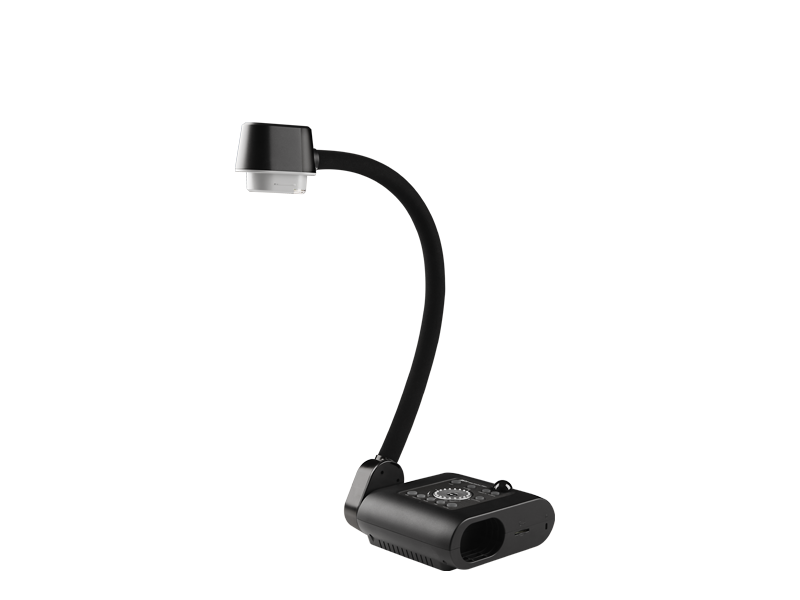
Document Cameras
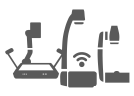
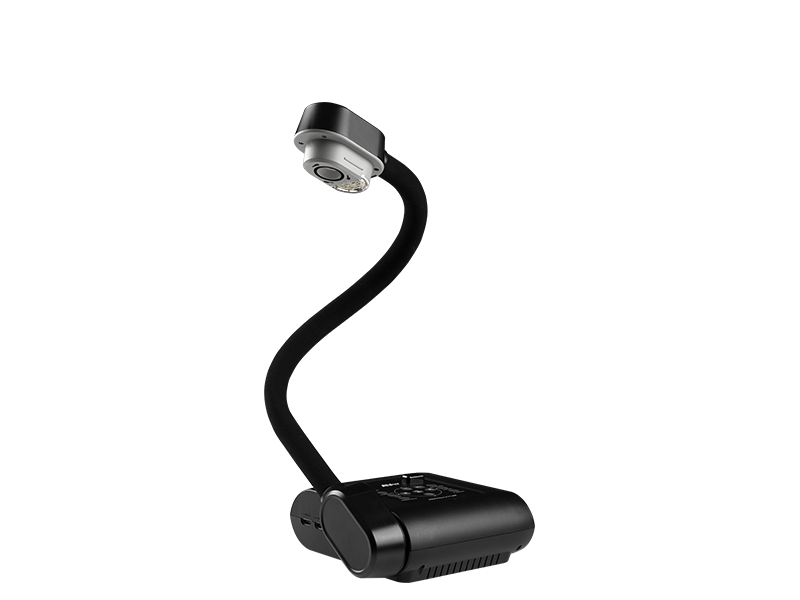
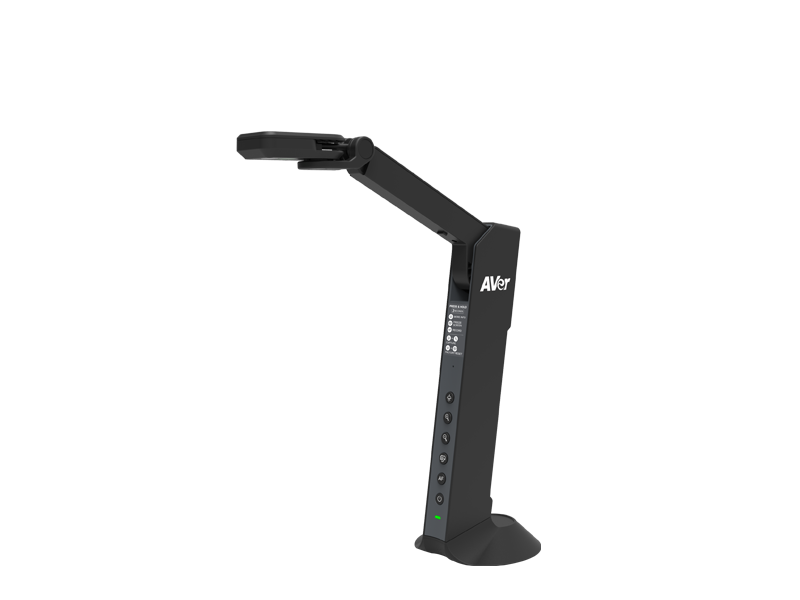
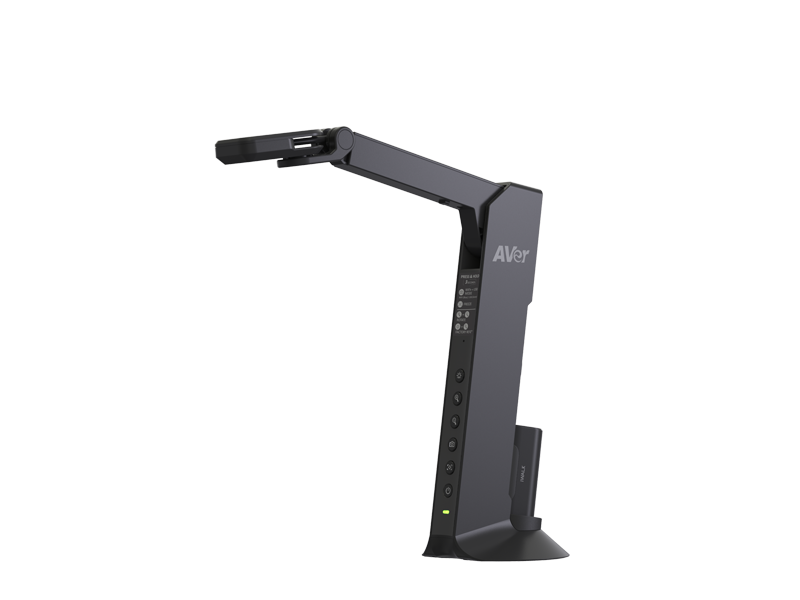
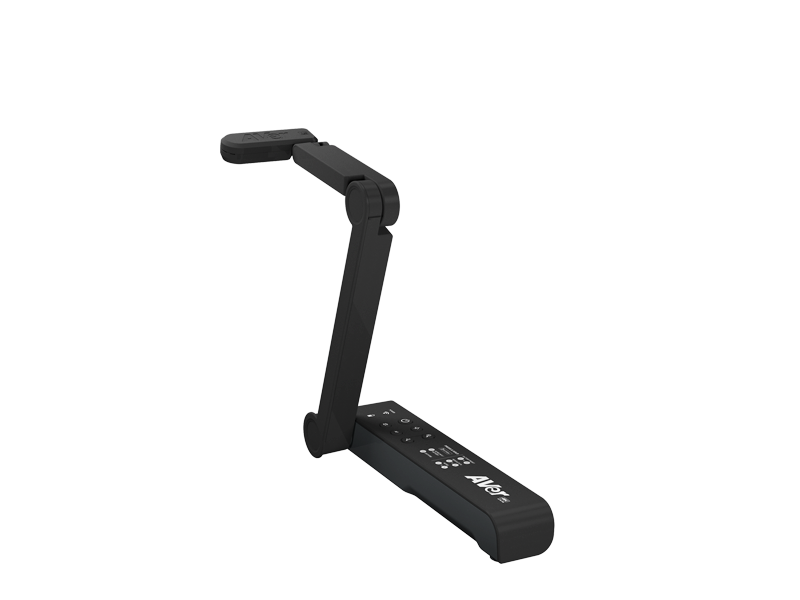
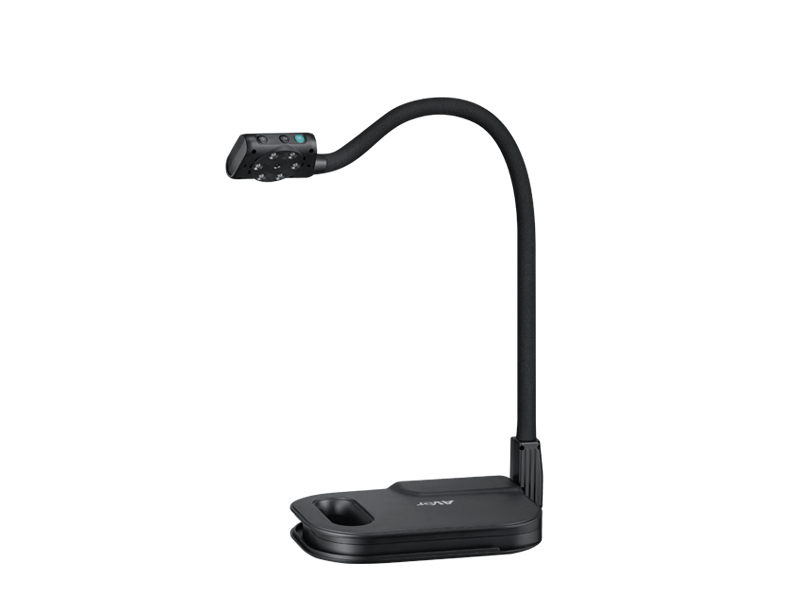
Document cameras enhance classroom learning with high-quality, crystal-clear visuals. Available in flexible arm, mechanical arm, and wireless models, these compact and portable cameras are easy to move between classrooms or use at home. Free software lets teachers record lessons, annotate live video, share instantly to the cloud, and connect with Zoom, Microsoft Teams, or Google Meet. Perfect for hybrid learning, flipped classrooms, and interactive lessons, document cameras make teaching and sharing content simple and engaging.
Frequently Asked Questions for Document Cameras
1. How do I show a document camera in a Zoom meeting?
You can connect a document camera via USB and select it as a secondary camera, or use the "Share Screen" feature to share the camera's specific viewer software.
2. What is a document camera used for?
A document camera is a modern digital overhead projector used to display physical documents, textbooks, 3D objects, or live demonstrations to an audience.
3. Do document cameras have built-in microphones?
Many modern USB document cameras include built-in microphones, making them functional as standalone webcams as well.
4. How do I fix a blurry document camera image?
Use the physical "Autofocus" button on the camera head, or ensure the room is well-lit so the lens can find focus more easily.
5. Can a document camera scan pages to a PDF?
Yes, most come with companion software that includes OCR (Optical Character Recognition) to capture and convert images into readable text files.