



Introducing the CORE500, a Windows-based Microsoft Teams Room kit built for enterprise and regulated meeting environments where performance, manageability, and security are non-negotiable. Combining an 11.6-inch touch console with an Intel® Core Ultra 5-125H compute core, the CORE500 delivers AI-ready processing, simplified deployment, and seamless integration with AVer’s trusted ecosystem of cameras and USB audio devices. Purpose-built for IT teams managing rooms at scale, it reduces integration risk, accelerates deployment, and provides a single-vendor experience from console to compute to camera.
Availability: TBD
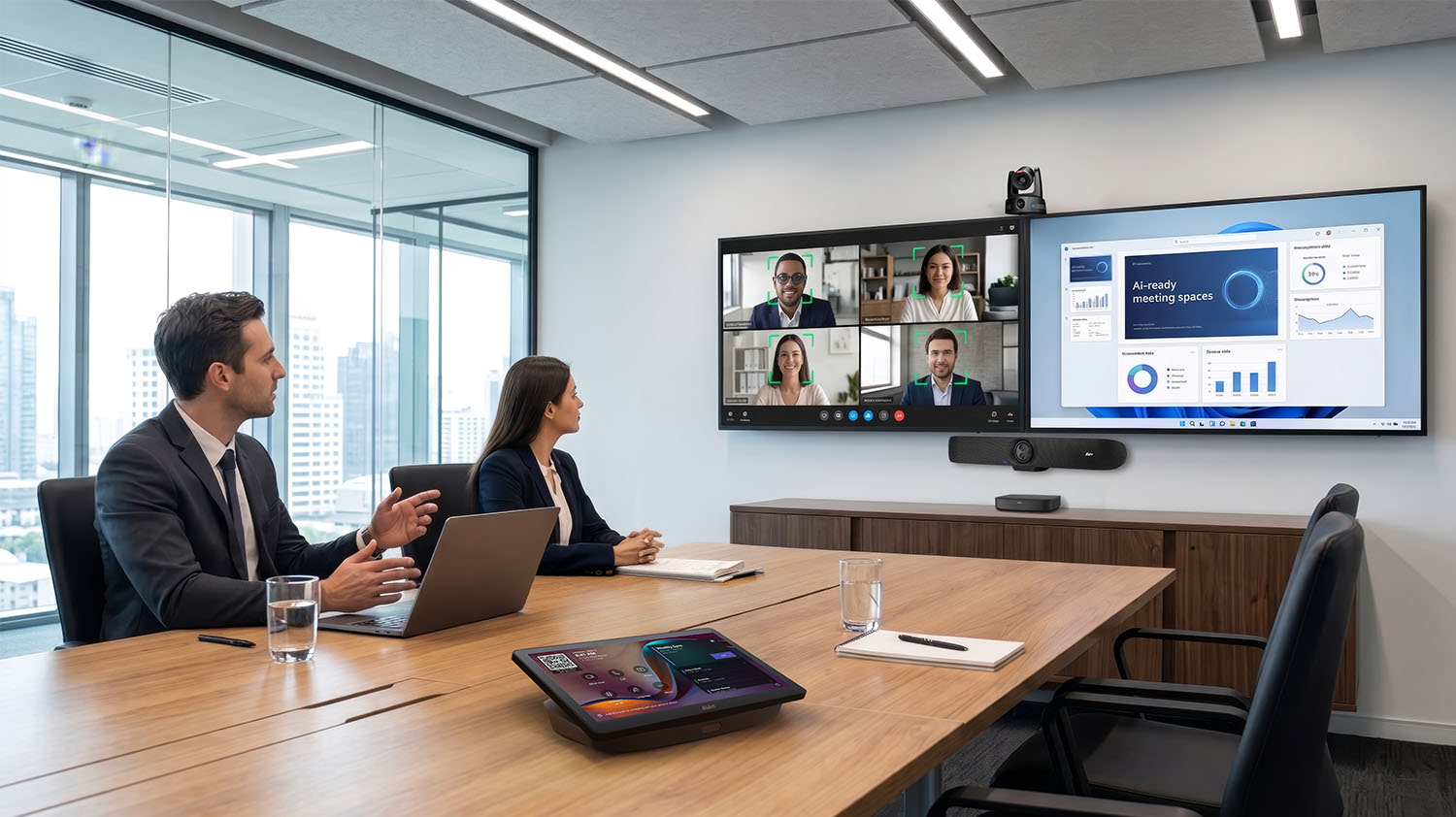
AI-Ready and Secure
Windows 11 IoT with Intel Ultra Core 5 for best-in-class price-performance in the next generation of AI-ready meeting spaces. Effortlessly supports multiple displays and camera streams.
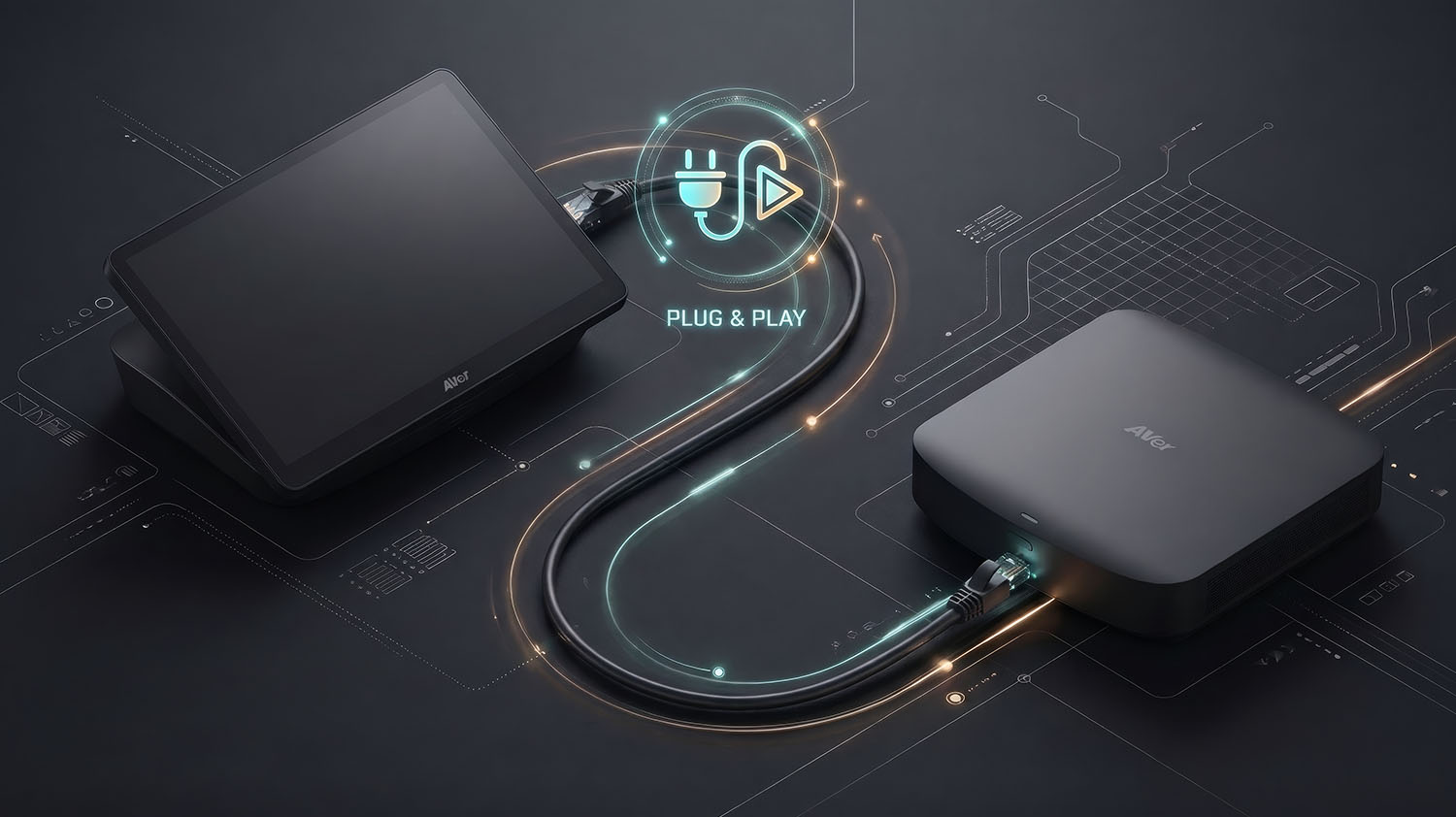
Installed Where You Need It
Plug and play, point-to-point CAT6 cable links and powers the controller so that it can be placed anywhere in the room.
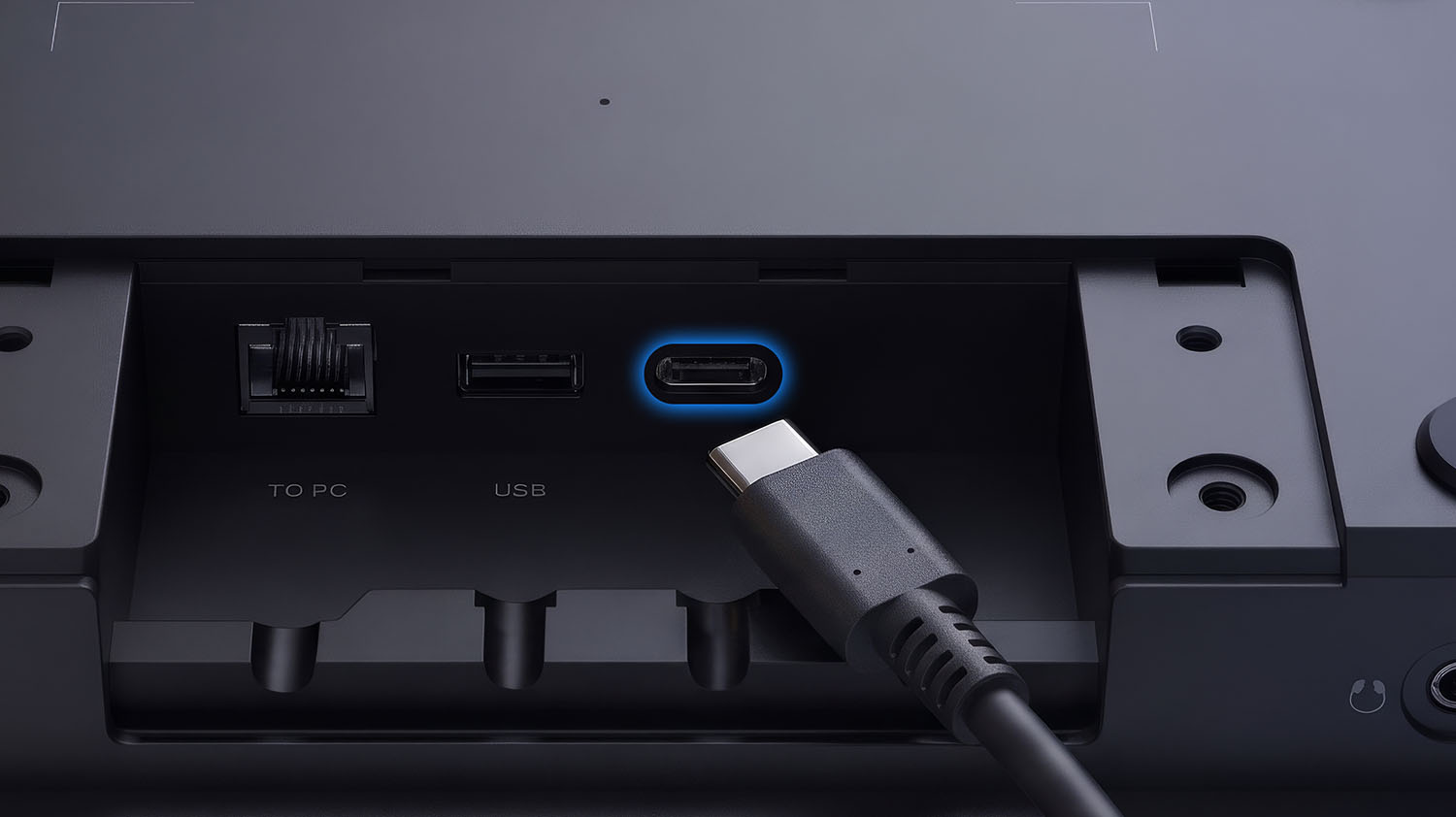
Flexible Ingest
Wired content sharing via USB-C (with DisplayPort Alt mode) on panel, or HDMI on compute, for integration into larger systems. Selection is easily configurable at installation time.
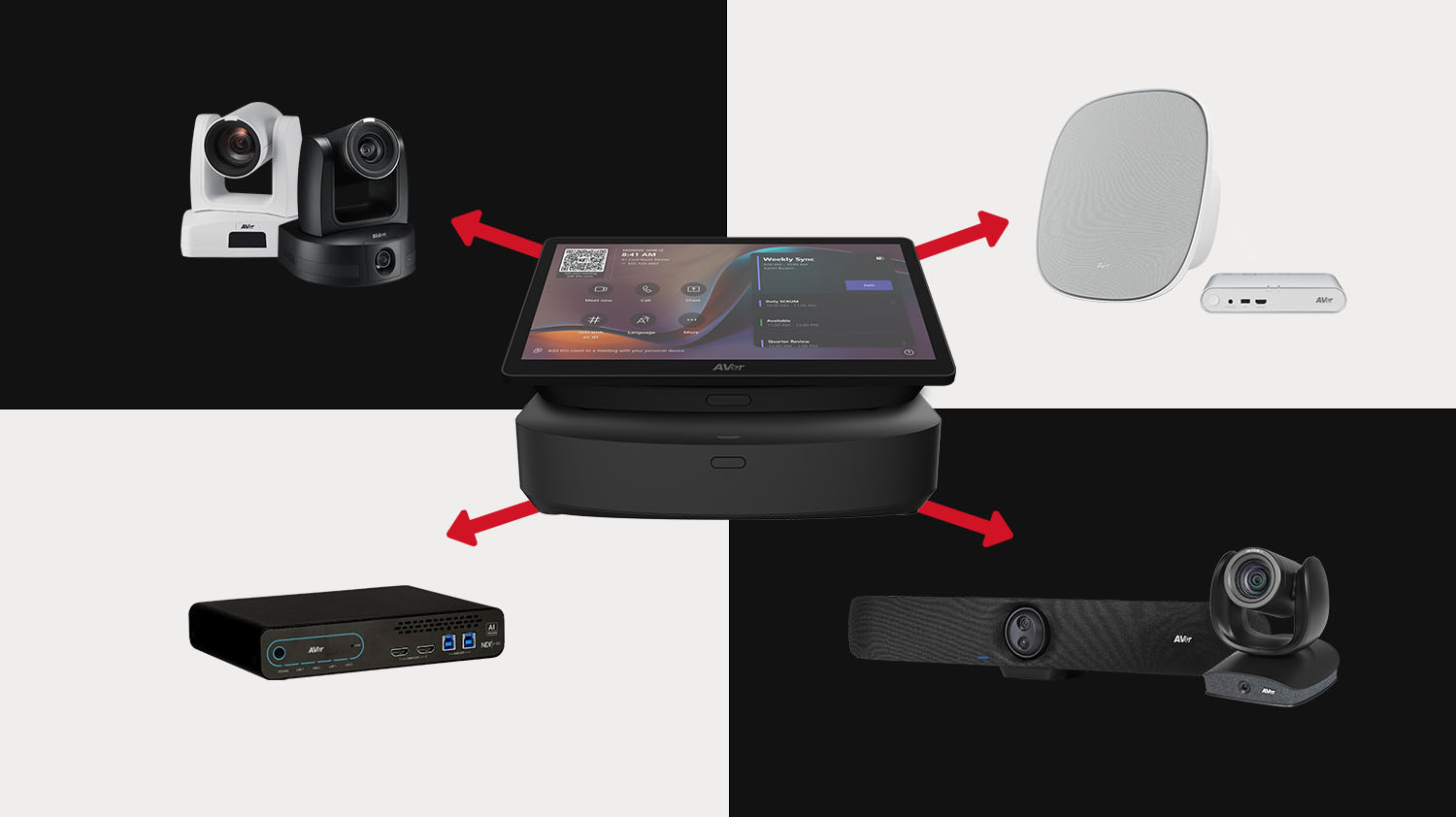
One Experience Right Size Performance
Combine the CORE500 with any Microsoft Teams certified AVer camera, or audio solution matching your rooms’ needs so that you do not need to compromise on audio and video.
Ready to Control
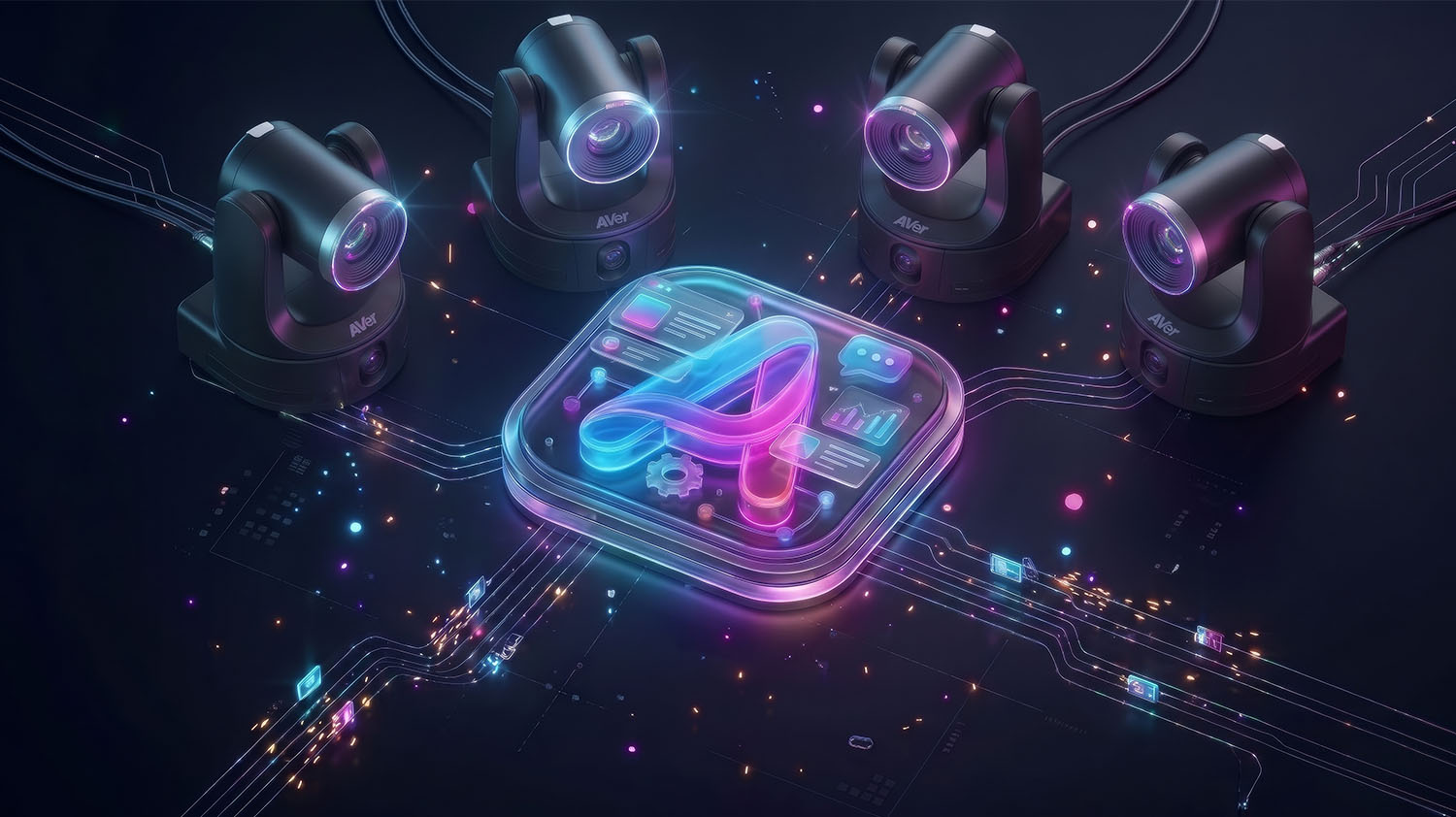
Pre-installed camera control app, controls up to any 4 AVer cameras, simplifying room deployment. AVer pre-installed software means that rooms can be easily serviced without disconnecting AVer peripherals.
Dual NIC
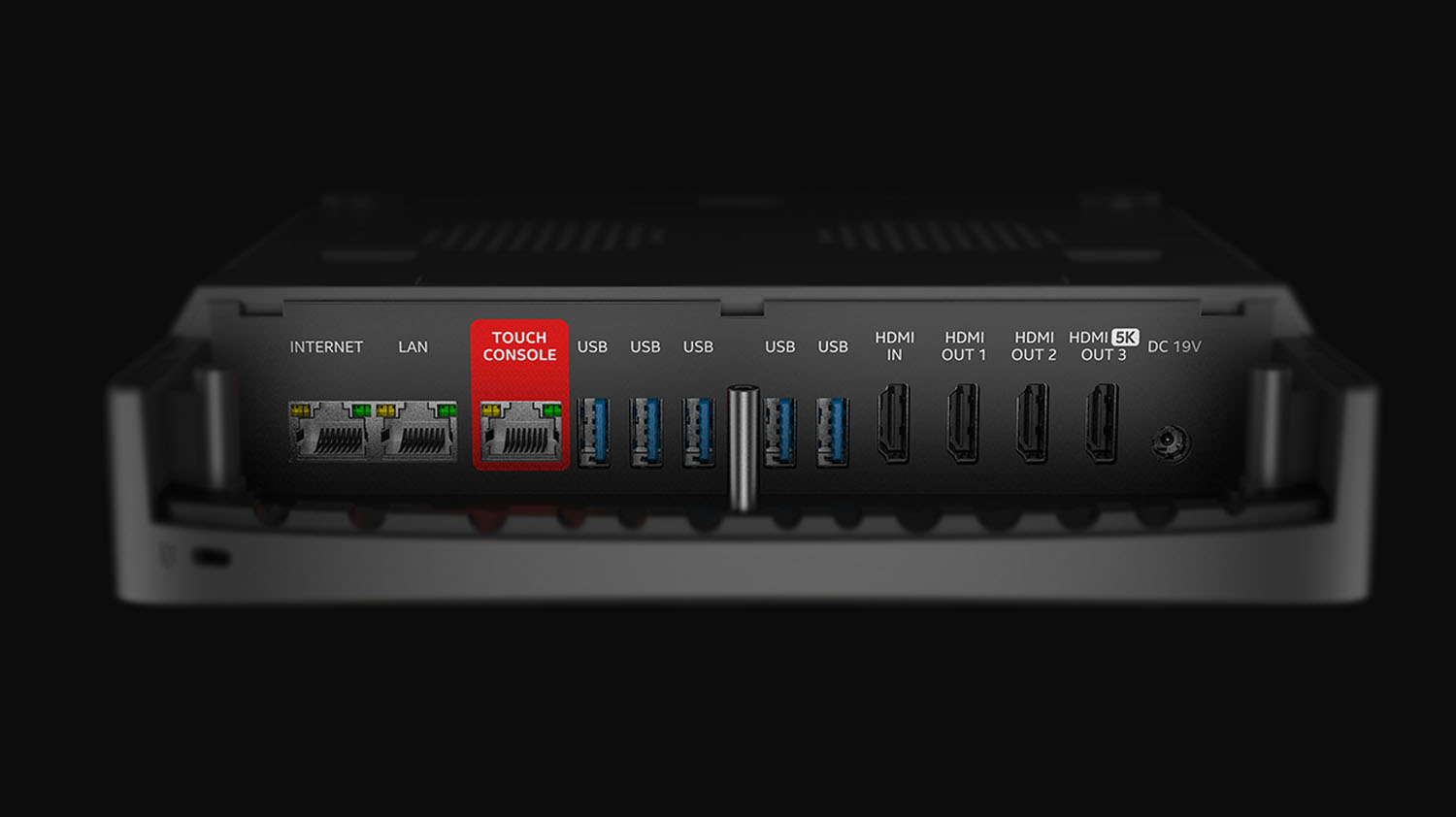
Isolates internet from AV-over-IP or control traffic for more IT-friendly installations
Secure by Design
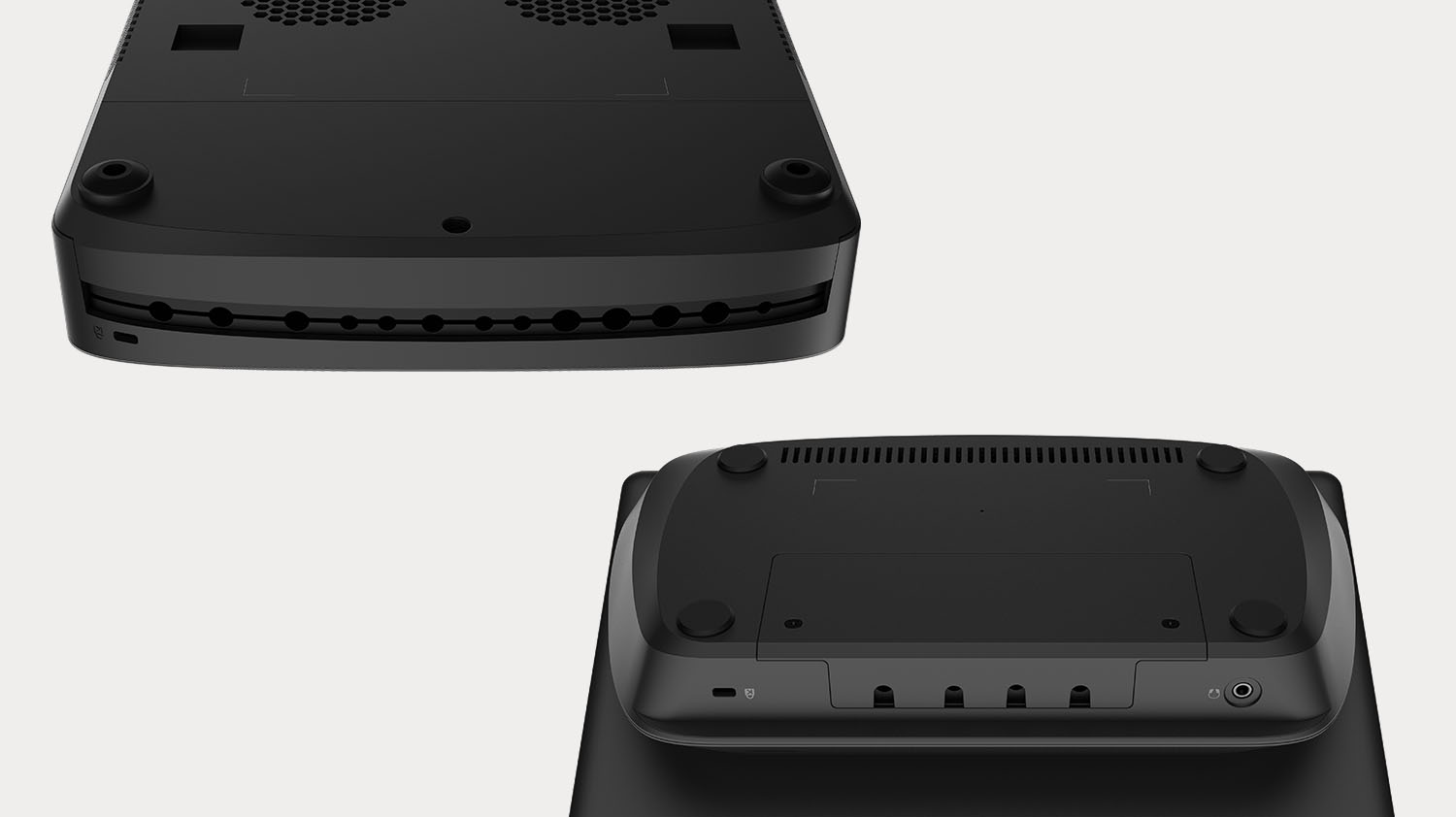
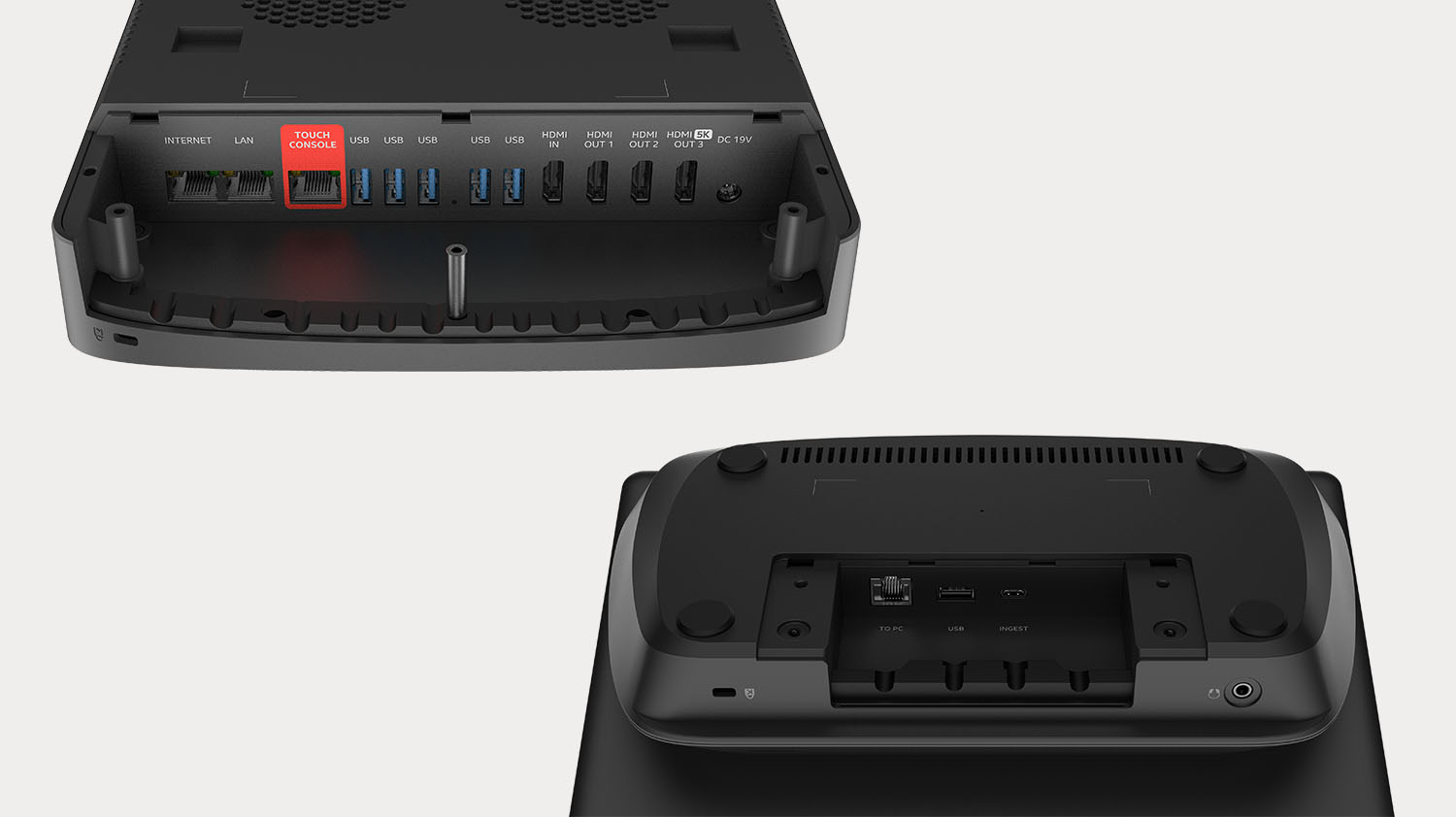
Removable covers secures cables from user tampering
Resources
Not what you're looking for?
See Related ProductsLike this product?
Send Inquiry NowFrequently Asked Questions for CORE500 Room Kit
The Ultra Core 5 processor is the best price-to-performance for the AI generation of video collaboration. It features a dedicated Neural Processing Unit (NPU) to which advanced AI operations are off-loaded freeing up CPU (central processing unit) and GPU (graphics processing unit) for administrative tasks. This means that devices can run efficiently (ie reduce fan noise) even in more demanding scenarios like multiple cameras, and (2) 4K displays while processing Microsoft Copilot AI functions.
The maximum length on CAT6 STP is 115ft (35m).
Yes. Both the touch controller and compute have cable covers to prevent tampering with cables and unused ports.
Yes, a bracket is included with the CORE500 Room Kit. The bracket can be secured to the wall or to a display using 100 x 100mm VESA spacing.
Yes. There is an optional wall mount for the controller.
For wired connections: CORE500 provides a High-Definition Multimedia Interface (HDMI) on the rear panel of the UC500 compute and Universal Serial Bus (USB) type-C input capable of DisplayPort Alternate Mode (DP Alt Mode) inside the TC500 MTR touch console. Additionally, CORE500 Room Kit supports wireless casting from the Teams desktop application and content casting to a Microsoft Teams Room using Miracast.
The default content ingest is the USB-C, but it can switch to HDMI. Only one content ingest is available during a meeting, using the selection made during installation.
Up to 4 USB cameras can be connected to the CORE500 Room Kit. A fifth USB-A port is available for a Teams certified audio solution, such as FONE700. All 4 USB camera stream streams can be displayed concurrently, or individually switched into the meeting room.
All Microsoft Teams-certified devices are compatible with the CORE500 Room Kit. View the complete list of AVer devices certified for Microsoft Teams.
CORE500 includes room control plug-in, natively available as part of the default image. Applicable controls are available for all devices within the AVer ecosystem.